Browser Games for Your Phone — No Install, No App Store
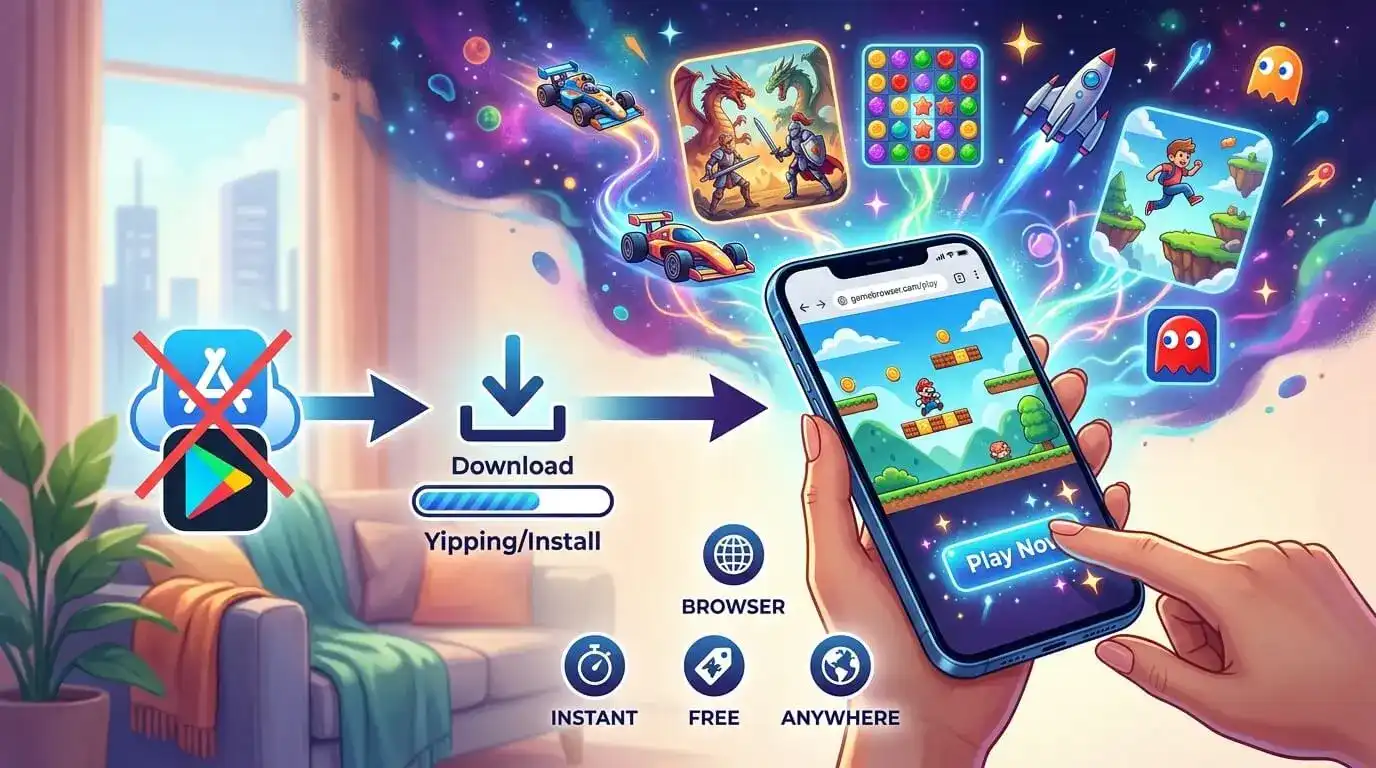
Your phone is full. You know this because it told you, twice, while you were trying to take a photo.
So the last thing you want when you're bored in a queue is a 240 MB download, an account, and a permissions dialog asking for your contacts. You wanted to play something for ten minutes.
This is the case for browser games on mobile, and it's stronger than most people realise. Coconut Games keeps a mobile-optimized collection of 51 titles built for touch first — they open in the browser you already have, use no storage, and disappear the moment you close the tab.
Here's what's worth playing, grouped by what you're actually in the mood for.
One-thumb arcade games
The purest mobile format: one input, instant restart, no tutorial.
Stack Ball — a 3D arcade game where you smash, bump and bounce a ball down through revolving helix platforms to reach the bottom. Hold to smash, release to avoid the black tiles. That's the whole game, and it's very hard to put down.
Tappy Tower — tap to jump your character from platform to platform and build the tallest tower you can. Miss one and you fall.
Jumpy Sky — the ascending sibling: climb through the sky on platforms, don't miss.
Cup Balancing — a precision game about carefully balancing cups. Sounds gentle, is genuinely nerve-wracking.
Mug Stack — pottery instead of chaos. You shape and carve clay mugs on a spinning wheel, which is oddly relaxing.
Quick puzzles for a short break
If you have five minutes and want to feel slightly cleverer at the end of them.
Block Puzzle — drop shapes onto a grid, clear lines, don't box yourself in. The definitive commute game.
Sort It 3D — organise objects by colour, shape or size across levels that get progressively fussier.
Pop Blocks — matching and popping, with enough strategy underneath that it doesn't go stale.
Tile Match — pull matching tiles from stacked layers into a tray. The tray filling up is the entire tension of the game.
Spot The Differences — the classic. Nothing carries over, so quitting mid-round costs you nothing.
Words Connect Puzzle — letter grids, find the words. Good one-handed.
More in the same vein in the puzzle collection, and we went deeper on the genre in our guide to free online puzzle games.
Runners and driving
Fast, forgiving, and designed to be played in bursts.
Highway Surfer — dash through busy streets dodging cars and grabbing power-ups. The longer you survive, the higher the score.
Crowd Runner — grow your crowd, avoid the holes, get to the finish first.
Squad Runner — same family, but you pick gates to build the strongest squad on the way down.
Downhill Rush — guide a vehicle down an obstacle course before the clock runs out.
Pocket Drift — drift as long as you can hold the line. One button.
Zigzag Taxi — less a racer than a bridge-building puzzle: construct safe paths for taxis to cross.
Idle and management games
The best genre on mobile, because it tolerates interruption. Put it down mid-shift, come back, nothing is ruined.
My Restaurant — manage a restaurant, pull in more customers, expand your floor space, get rich.
Jelly Restaurant — restaurant management welded onto a satisfying arcade loop where you match the jelly's colour to the surface to grow it.
Fashion Idle! — run a fashion empire, design outfits, unlock clothing, become a tycoon.
Space Farmer — jetpack around collecting water in space, grow crops, sell them, build a life on the planet.
The Pirates — a Coconut original in the same accumulate-and-expand mould.
Action, when you want something with teeth
Zombie Slayer — clear levels, earn cash, buy and upgrade weapons and players.
Stealth Assassin — quiet approach, decisive finish.
Jump.io — an obstacle-dodging .io game where you're up against players from everywhere else.
The wider action collection has 40 titles, though not all are tuned for touch — the ones above are.
Why bother with the browser instead of installing?
Four practical reasons, and none of them are ideological.
Storage. A browser game uses none. Fifty installed games is several gigabytes; fifty browser games is a bookmark.
Permissions. An installed game asks for things. A web page in a tab is sandboxed by the browser and simply cannot reach your contacts, your photo library or your location without an explicit prompt you can refuse.
No updates, no maintenance. You always get the current version. There is no 300 MB patch waiting for you on hotel wifi.
It's genuinely instant. Tap the link, the game runs. The gap between wanting to play and playing is about two seconds, which matters enormously when your window is five minutes long.
The honest trade-off: browser games need a connection, and they generally won't match a large installed title for graphical scale. For the kind of short, sharp play that phones are actually used for, that's a trade most people are happy to make.
Practical tips for playing on a phone
Add it to your home screen. In Chrome or Safari, use the share menu and pick "Add to Home Screen". You get an icon that opens straight into the site, without any of the install cost.
Turn the phone sideways for grid-heavy games. Puzzle and management games are easier in landscape; runners and one-tap arcade games are fine in portrait.
Use wifi the first time you open a game. The initial load pulls the game assets; after that it's light.
Close the tab to stop it. There's no background process, no notification, nothing left running.
Earning points while you play on mobile
You can play everything here without an account. Two things need you signed in.
XP accrues on every game you play, in any category, and moves you up ten ranks from Newbie at 0 XP to Mythic at 25,000. It also puts you on the daily, weekly and monthly leaderboards — and because the daily board resets every day, it's the realistic one to aim at when you're new.
Coconut Points are the spendable currency you redeem for shopping vouchers. You earn 5 points for roughly every two and a half minutes of active play — but only on Coconut Games' own titles, not the whole catalogue.
Eight of the mobile-optimized games award points, and you've met most of them already: Block Puzzle, Connect It, Wrench Unlock, My Restaurant, Hole Market, Bricks Out, Crossy Rails and Vehicle Factory. If points are the goal, those are your eight. Voucher availability depends on your country.
FAQ
Do these work on iPhone as well as Android? Yes. They run in Safari, Chrome and any modern mobile browser. Nothing is installed on either platform.
Do I need to sign up? Not to play. Only to earn XP, Coconut Points and a leaderboard place.
Will they eat my mobile data? The first load of a game pulls its assets, then usage drops sharply. Opening a few games on wifi and returning to them later is the cheapest pattern.
Can I play offline? No — these load from the web each time. If you'll be without a connection, load the page before you lose signal and don't close the tab.
Is there an app? There's an Android app that wraps the same library, but it's optional. Everything works in the browser.
Which should I start with? If you have two minutes, Stack Ball. If you have twenty and want something that survives being interrupted, My Restaurant.
The full mobile-optimized collection runs to 51 games, and the simple games shelf has another 130 that mostly play fine on a phone. More guides on the Coconut Games blog.